Migrate at Your Own Pace
Keep password users signing in while you roll out passkeys, magic links and OTP.
Password login is there for migration: keep existing users signing in with their password, and move them to passkeys, magic links or OTP at their own pace. Available on Business Pro.

Password support built for incremental migration to passwordless.
Keep password users signing in while you roll out passkeys, magic links and OTP.
Industry best practices including hashing, salting, and brute-force protection.
Fully control your password policy, UI, and logic.
Meets requirements for GDPR, SOC 2, and other standards.
Supports millions of logins without slowing down.
Reliable login at a price that fits your scale.
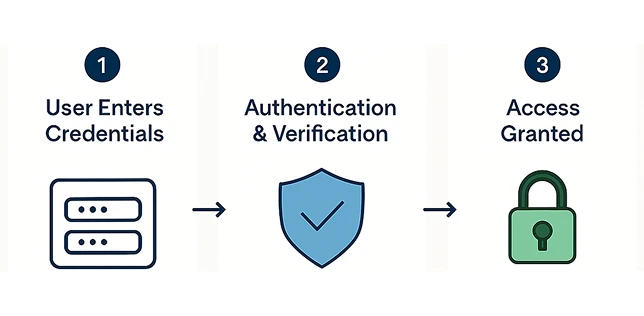
A familiar login experience in 3 simple steps:
User submits email and password through your login form.
MojoAuth securely validates the credentials using encrypted methods.
Upon successful verification, a secure session is created.
Password login runs on the same API as every passwordless method, so migration is a configuration change, not a rewrite.
authentication: method: password status: enabled policy: minLength: 8 requireSpecialChar: true
Why keeping passwords during migration protects your users and your conversion
Keep password login during migration and move users to passkeys, magic links and OTP at their own pace.
Call +1-844-321-AUTH