Signup Drop-off
Password rules and long forms lose learners before their first lesson.
Learners forget passwords between terms and give up on your app. Let students and parents sign in with a magic link, OTP, social login or passkey - fewer lockouts, fewer reset tickets.
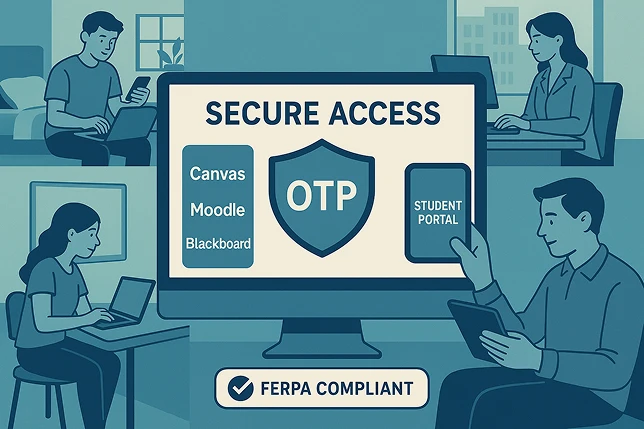
Learning apps serve students, parents and lifelong learners with very different tech skills - and passwords trip up all of them.
Password rules and long forms lose learners before their first lesson.
Students, parents and adult learners sign in with very different devices and skills.
Learners come back after a break, forget their password and flood support with resets.
Access from school computers, home laptops, tablets and phones.
Student records and progress data need strong, simple sign-in.
Getting learners into courses and resources without friction.
One API for every passwordless method - pick the ones that fit your learners, and keep passwords for anyone who still needs them while you migrate.
A one-click link or a short code by email. Nothing to remember between terms.
Google, Apple and Facebook sign-in, plus One Tap, so learners start in seconds.
Face ID, fingerprint or device PIN on personal devices. Phishing-resistant by default.
Codes by SMS for mobile-first learners and parents without regular email access.
Platform numbers that apply to every MojoAuth customer, not industry-specific promises.
Fewer password-reset support tickets
Authentication requests handled daily
Average API response time
Uptime SLA on Business Pro (99.99% on Enterprise)
What a typical rollout looks like for an edtech or online learning app moving off passwords.
Add every passwordless method to your learning app with one API.
<!DOCTYPE html> <head> <script charset="UTF-8" src="https://cdn.mojoauth.com/js/mojoauth.min.js"> </script> </head> <body> <div id="mojoauth-passwordless-form"></div> <script> const mojoauth = new MojoAuth("Your MojoAuth API Key", { language: 'language_code', redirect_url: "your_redirect_url", source: [{ type: "email", feature: "otp" }], }) mojoauth.signIn().then(response => console.log(response)); </script> </body> </html>
Give students and parents a login they won't forget - magic links, OTP, social login and passkeys on one API.
Call +1-844-321-AUTH